How to Free Up Disk Space on Windows 11: 10 Proven Methods
Running low on storage? Here’s how to free up disk space on Windows 11 using Storage Sense, Disk Cleanup, app removal, OneDrive, and other built-in tools.
Read More
Windows tips, troubleshooting, settings, and how-to guides.
Running low on storage? Here’s how to free up disk space on Windows 11 using Storage Sense, Disk Cleanup, app removal, OneDrive, and other built-in tools.
Read More
If you keep asking why does my WiFi keep disconnecting, the cause is almost always one of eight things: a
Read More
The fastest screenshot shortcut in Windows is Win + Shift + S. It lets you drag a box around any
Read More
Tired of web clutter when searching apps? Here’s how to disable Bing search results in Windows 11 Start menu using Settings, Registry, or Group Policy.
Read More
The most common answer to why does my Chromebook keep disconnecting from Wi-Fi is that the router or the signal
Read More
How to Snap Windows Side by Side in Windows 11 with Snap Layouts, keyboard shortcuts, and troubleshooting tips for arranging apps efficiently on one desktop.
Read More
Multiple virtual desktops let you separate work, personal, and gaming apps. Here’s how to use virtual desktops in Windows 11, from setup to keyboard shortcuts.
Read More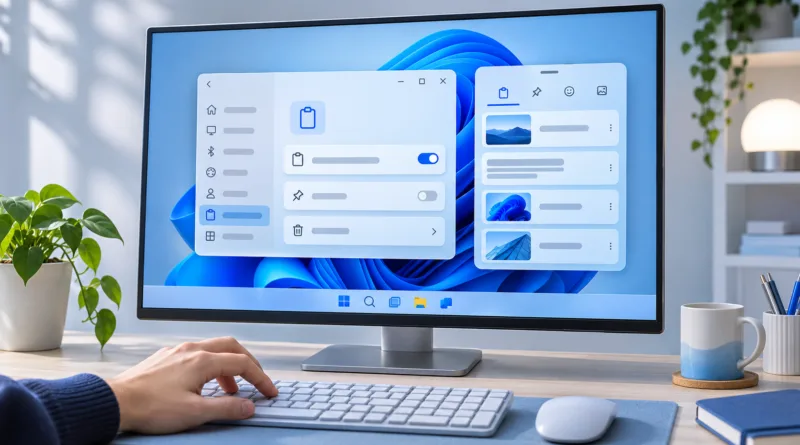
Clipboard history in Windows 11 stores everything you copy. See how to enable and use clipboard history in Windows 11, plus pinning, syncing, and fixes.
Read More
Windows tips for productivity that help you work faster: master keyboard shortcuts, virtual desktops, Snap layouts, Focus sessions, and built-in tools.
Read More