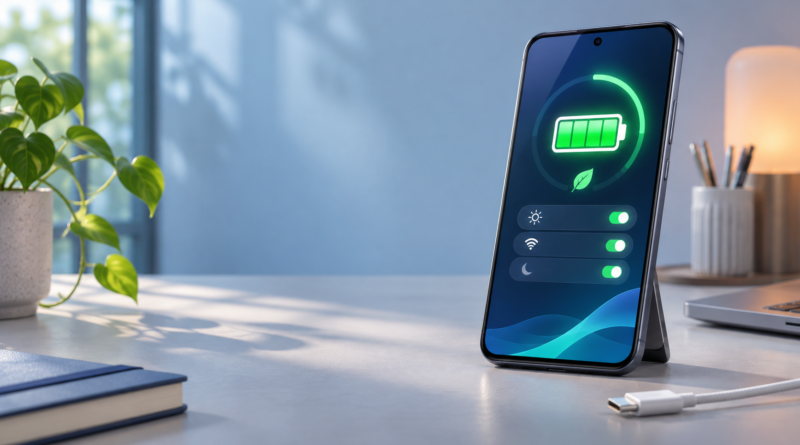
15 Settings to Extend Your Smartphone Battery Life
Extend your smartphone battery life by adjusting these 15 essential settings. Reduce power drain from display, connectivity, and background apps.
Read More
Extend your smartphone battery life by adjusting these 15 essential settings. Reduce power drain from display, connectivity, and background apps.
Read More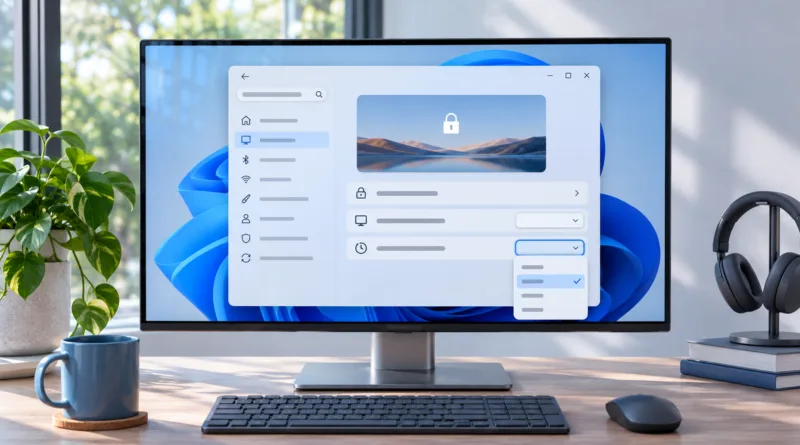
How to Change the Windows 11 Lock Screen Timeout using Settings, Power Options, or powercfg, plus fixes for missing options and different lock behavior.
Read More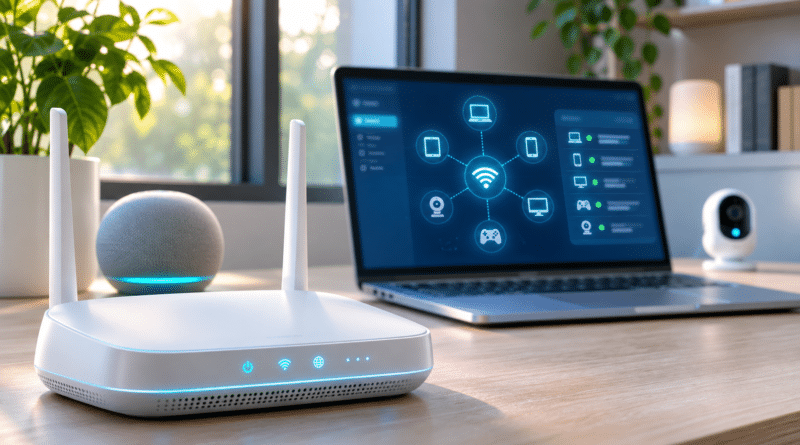
See who is using your connection with this guide to How to Check Who Is Connected to Your Wi-Fi Network, identify unknown devices, and secure your router.
Read More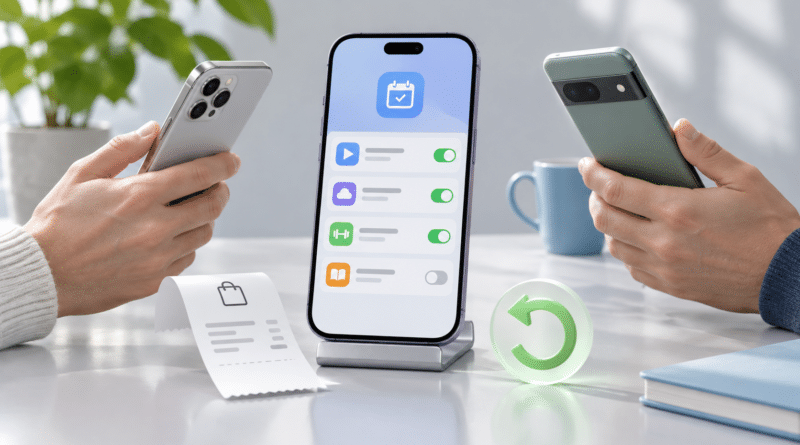
How to Cancel App Subscriptions on iPhone and Android (and Get a Refund) using App Store and Google Play steps, refund request tips, and troubleshooting.
Read More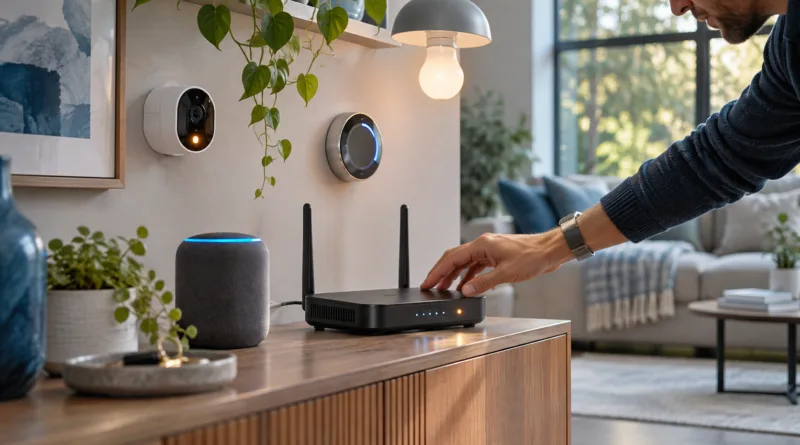
Smart home devices that keep going offline often trace to Wi-Fi, power, hubs, or app settings. Here’s how to fix smart home devices that keep going offline.
Read More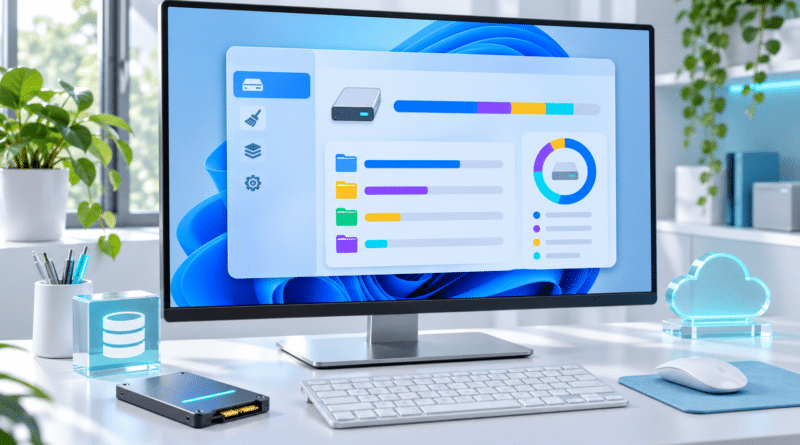
Running low on storage? Here’s how to free up disk space on Windows 11 using Storage Sense, Disk Cleanup, app removal, OneDrive, and other built-in tools.
Read More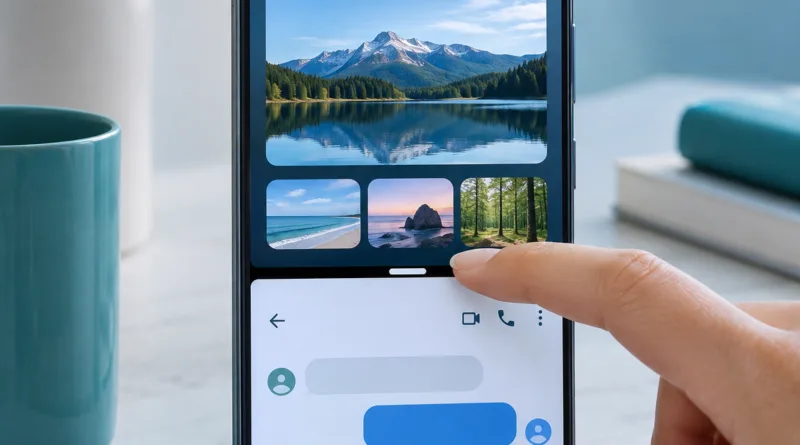
How to split screen on Android with two apps, resize windows, exit split screen, and troubleshoot when the option is missing or unavailable on many devices.
Read More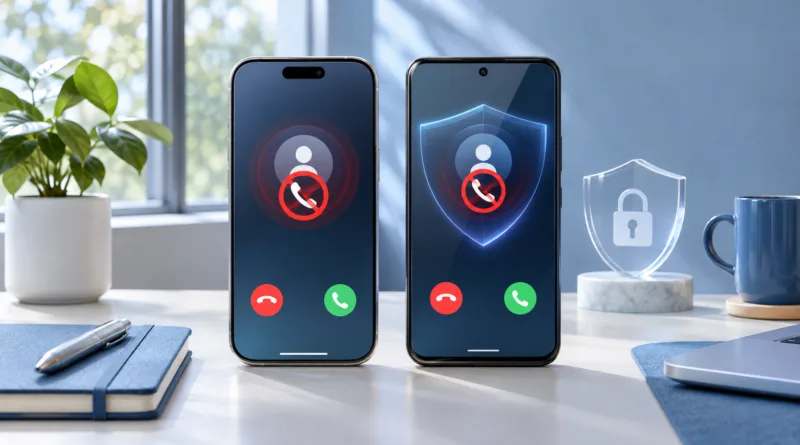
Stop unwanted calls with iPhone and Android settings, carrier tools, and reporting tips. This guide explains how to block spam calls on iPhone and Android.
Read More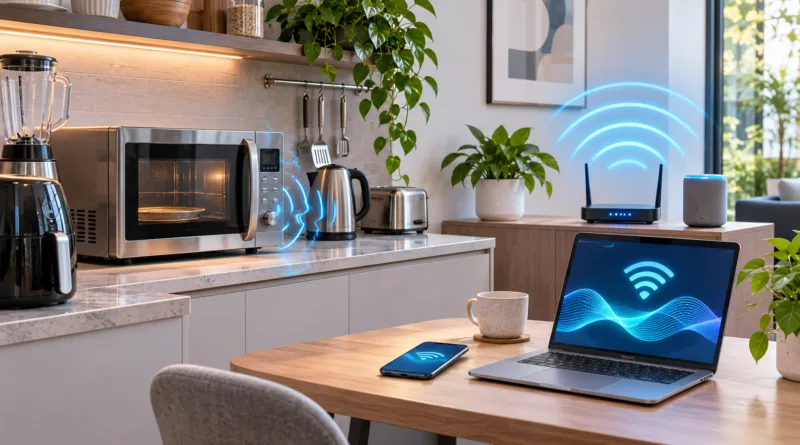
Microwave ovens, baby monitors, and cordless phones can disrupt your signal. Here’s how to fix Wi-Fi interference from microwave and other appliances at home.
Read More