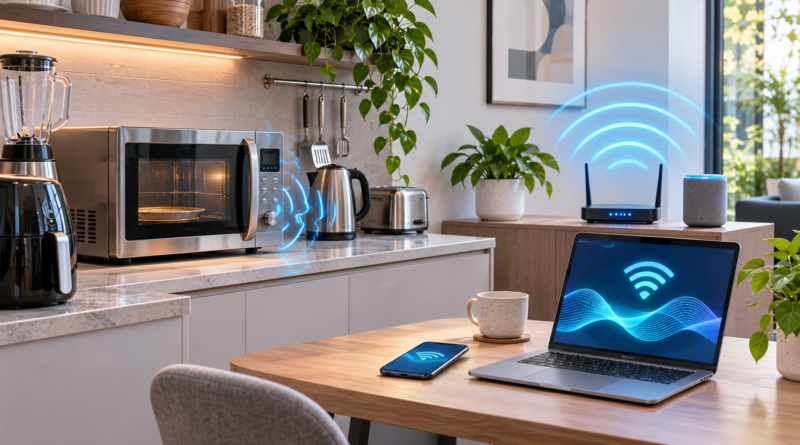
How to Fix Wi-Fi Interference From Microwaves and Appliances
Microwave ovens, baby monitors, and cordless phones can disrupt your signal. Here’s how to fix Wi-Fi interference from microwave and other appliances at home.
Read More
Wi-Fi, routers, internet connections, and networking guides.
Microwave ovens, baby monitors, and cordless phones can disrupt your signal. Here’s how to fix Wi-Fi interference from microwave and other appliances at home.
Read More
If you keep asking why does my WiFi keep disconnecting, the cause is almost always one of eight things: a
Read More
The fastest screenshot shortcut in Windows is Win + Shift + S. It lets you drag a box around any
Read More
The most common answer to why does my Chromebook keep disconnecting from Wi-Fi is that the router or the signal
Read More
Wi-Fi disconnecting and reconnecting constantly? These 9 fixes cover router restarts, driver updates, channel changes, and more to stabilize your connection.
Read More
Tired of lag and buffering? Set up QoS on your router to prioritize gaming and streaming traffic with this step-by-step walkthrough for home networks.
Read More
Slow page loads? Here’s how to change your Wi-Fi router’s DNS settings for faster browsing, pick a reliable resolver, and test whether it actually helps.
Read More
Keep visitor devices off your main network. This walkthrough covers how to set up a guest Wi-Fi network on any router, including key security settings.
Read More
Segmenting IoT gadgets, guests, and work devices limits damage from a breach. Here’s how to set up VLANs on a home network for better security, step by step.
Read More