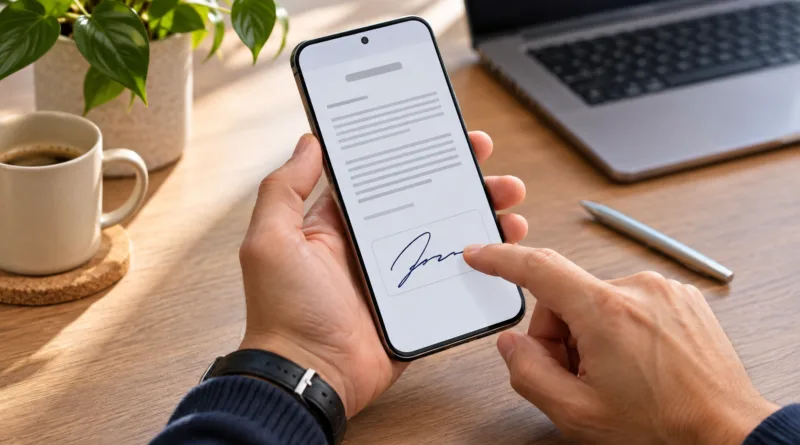
How to Sign a PDF on Your Phone Without Printing It
No printer or scanner needed. Here is how to sign a PDF on your phone without printing it using iPhone Markup, Android apps, and Adobe Acrobat Reader.
Read More
No printer or scanner needed. Here is how to sign a PDF on your phone without printing it using iPhone Markup, Android apps, and Adobe Acrobat Reader.
Read More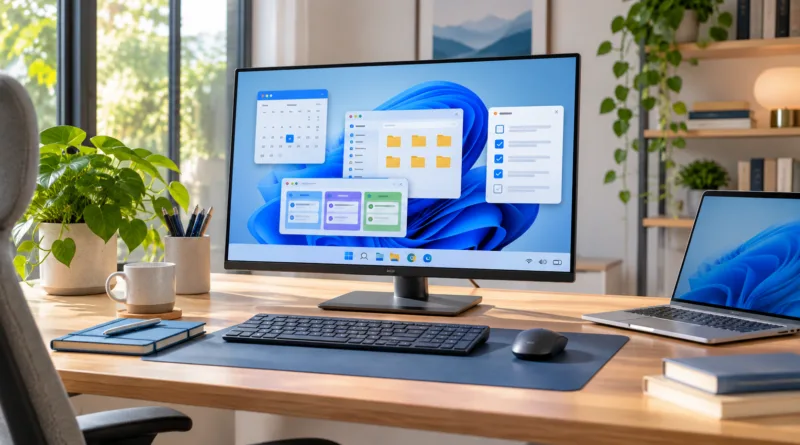
Windows tips for productivity that help you work faster: master keyboard shortcuts, virtual desktops, Snap layouts, Focus sessions, and built-in tools.
Read More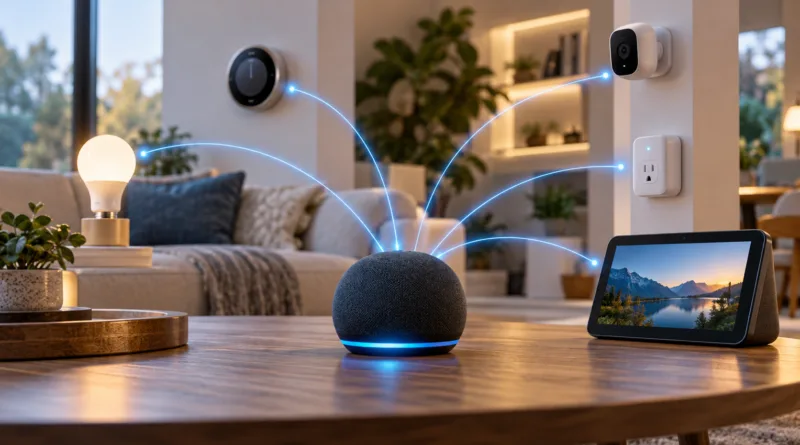
Connect your smart lights, thermostats, locks, and more to Alexa with step-by-step instructions. Compatible devices, app setup, and troubleshooting included.
Read More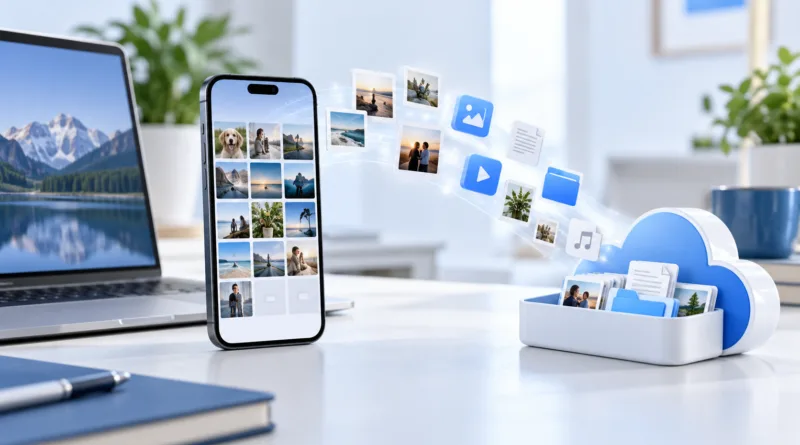
Out of storage space? Learn 10 practical ways to free up storage on your smartphone by removing apps, clearing cache, managing photos, and more.
Read More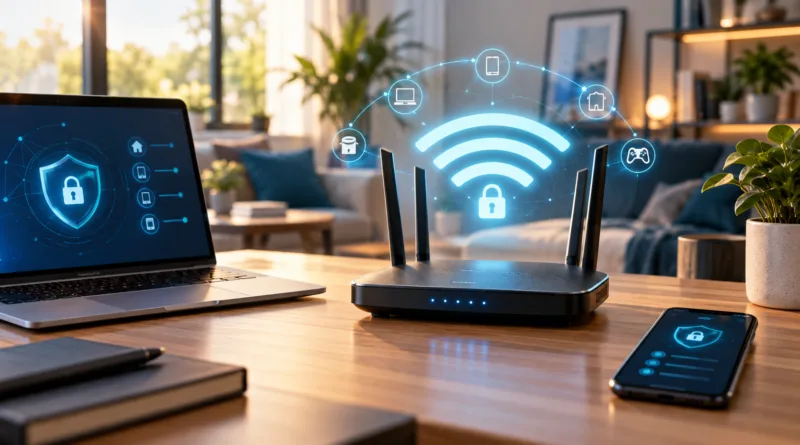
Protect your home Wi-Fi network from unauthorized access. Set up WPA3 encryption, strong passwords, guest networks, and security settings properly.
Read More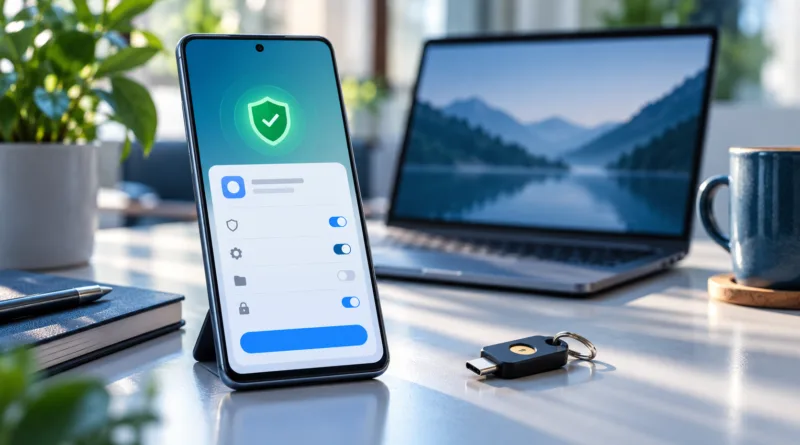
Sideloading apps on Android gives you access to software outside Google Play. Follow these security steps to install APK files safely and protect your device.
Read More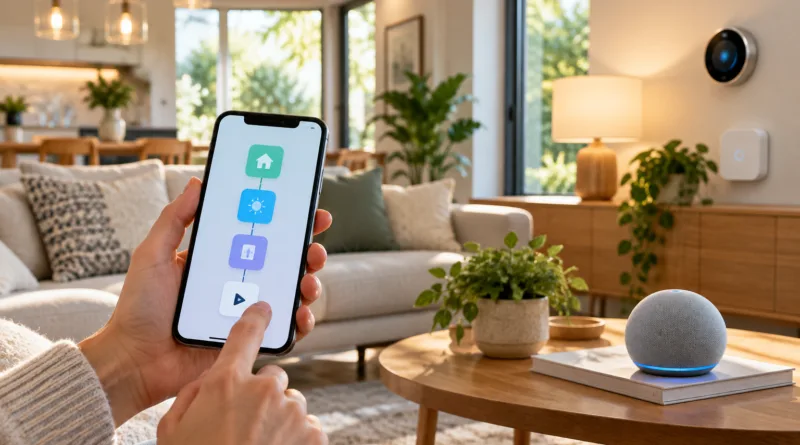
Automate your smart home with this beginner-friendly guide. Set up routines, connect devices, choose hubs, and create schedules that simplify daily tasks.
Read More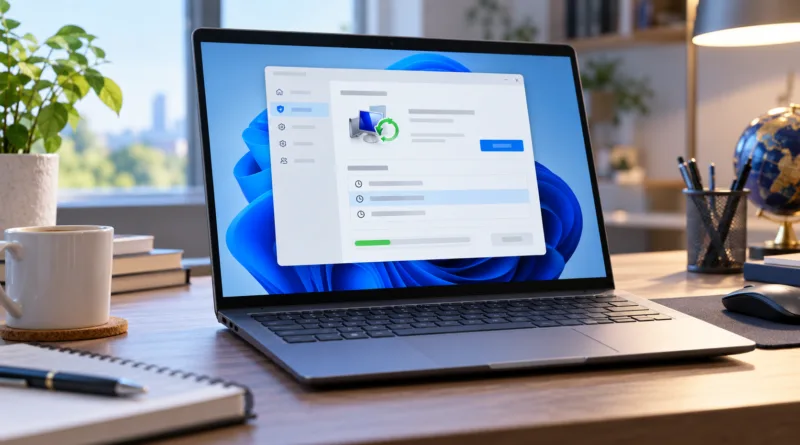
Creating a system restore point protects your Windows PC before major changes. Follow these steps to set up manual and automatic restore points safely.
Read More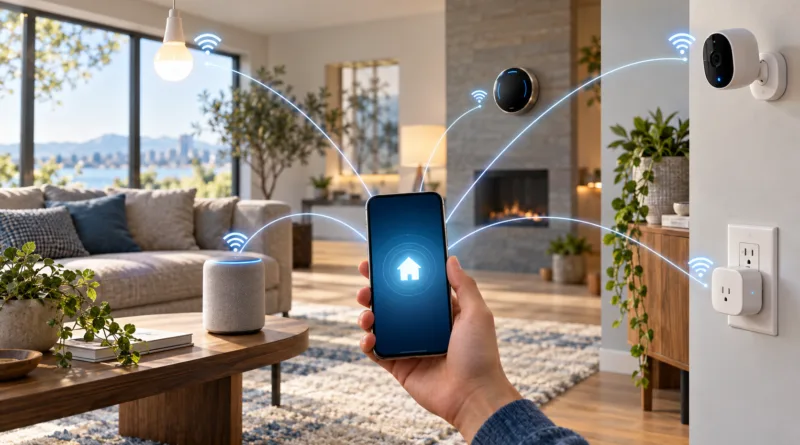
Wi-Fi and Bluetooth smart devices connect directly to your network without a hub. Set up using manufacturer apps, voice assistants, and simple automation.
Read More