4 Screenshot Shortcuts in Windows and What Each One Does
The fastest screenshot shortcut in Windows is Win + Shift + S. It lets you drag a box around any
Read More
The fastest screenshot shortcut in Windows is Win + Shift + S. It lets you drag a box around any
Read More
Tired of web clutter when searching apps? Here’s how to disable Bing search results in Windows 11 Start menu using Settings, Registry, or Group Policy.
Read More
The most common answer to why does my Chromebook keep disconnecting from Wi-Fi is that the router or the signal
Read More
Wi-Fi disconnecting and reconnecting constantly? These 9 fixes cover router restarts, driver updates, channel changes, and more to stabilize your connection.
Read More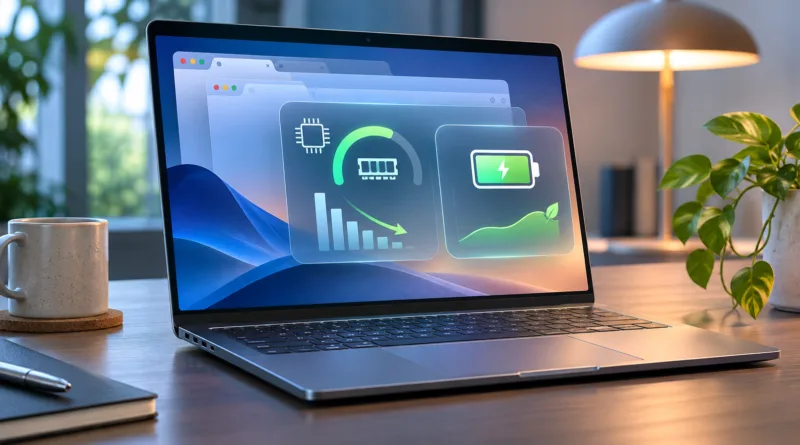
Chrome draining your laptop? Here’s how to stop Chrome from using too much RAM and battery with built-in tools, settings tweaks, and smarter habits.
Read More
Track down a missing Android or iPhone: how to find a lost or stolen phone using Find My Device or Find My iPhone, plus how to lock or erase it remotely.
Read More
Tired of lag and buffering? Set up QoS on your router to prioritize gaming and streaming traffic with this step-by-step walkthrough for home networks.
Read More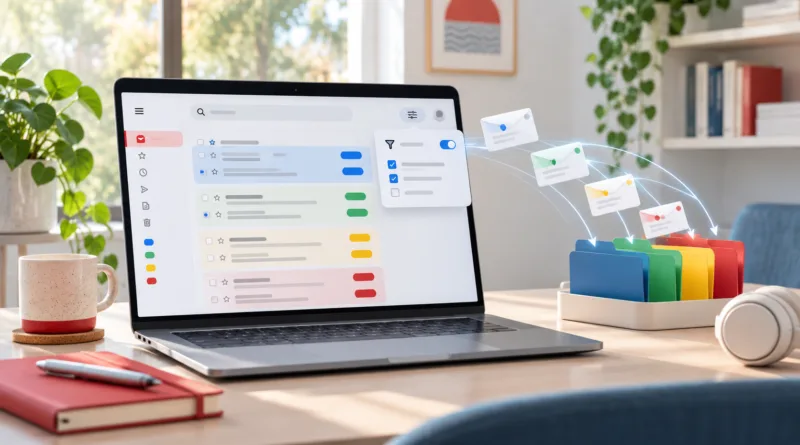
Create Gmail filters and labels to automatically sort email by sender, subject, or keywords, and keep your inbox organized without filing messages by hand.
Read More
Matter devices can work on several platforms at once. This guide covers how to set up Matter-enabled devices across Alexa, Google Home, and Apple Home.
Read More