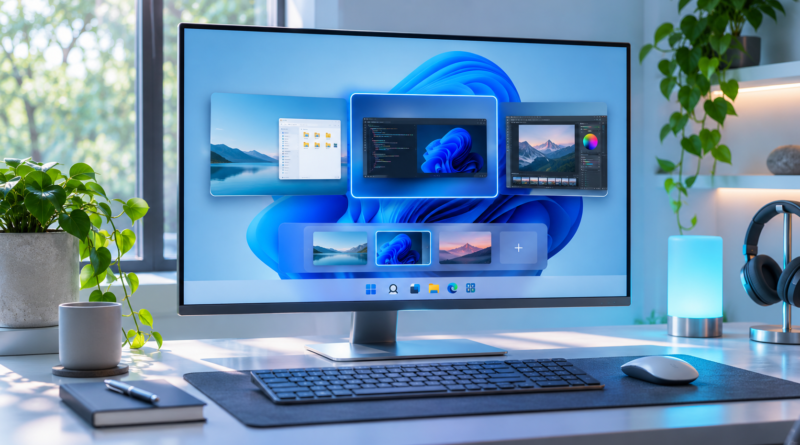
How to Use Virtual Desktops in Windows 11: Full Guide
Multiple virtual desktops let you separate work, personal, and gaming apps. Here’s how to use virtual desktops in Windows 11, from setup to keyboard shortcuts.
Read More
Windows tips, troubleshooting, settings, and how-to guides.
Multiple virtual desktops let you separate work, personal, and gaming apps. Here’s how to use virtual desktops in Windows 11, from setup to keyboard shortcuts.
Read More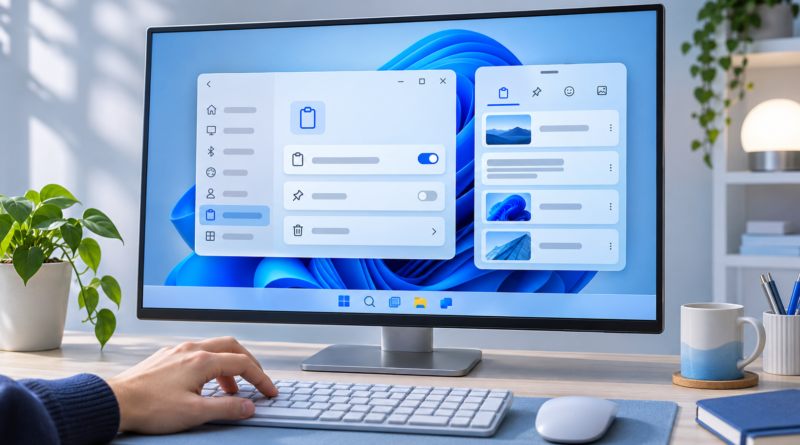
Clipboard history in Windows 11 stores everything you copy. See how to enable and use clipboard history in Windows 11, plus pinning, syncing, and fixes.
Read More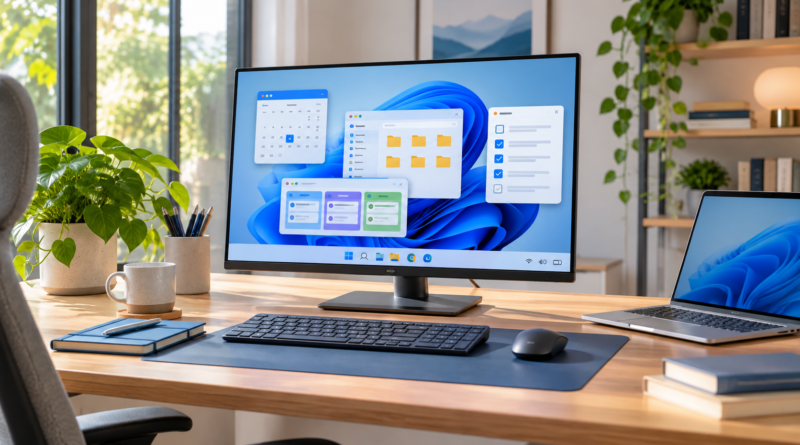
Windows tips for productivity that help you work faster: master keyboard shortcuts, virtual desktops, Snap layouts, Focus sessions, and built-in tools.
Read More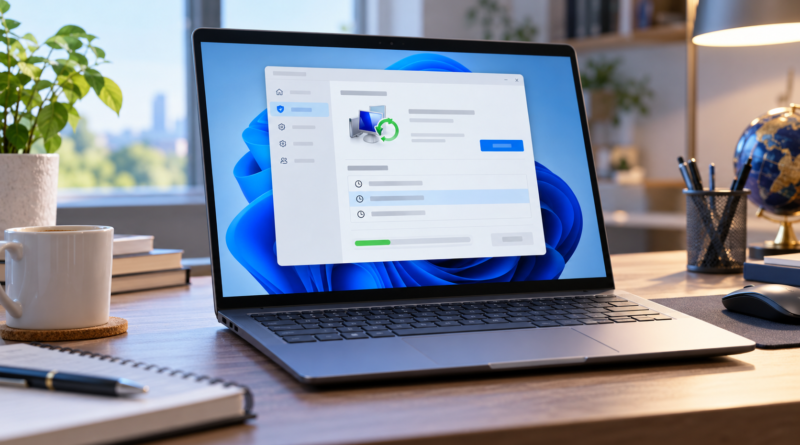
Creating a system restore point protects your Windows PC before major changes. Follow these steps to set up manual and automatic restore points safely.
Read More
Customize your Windows 11 taskbar with these 9 methods. Change position, icons, behavior, and appearance to match your workflow perfectly.
Read More
Learn how to disable Windows tips and suggestions with step-by-step instructions. Turn off notifications, lock screen tips, and personalized recommendations.
Read More
Learn how to take screenshots on Windows 11 using Snipping Tool, keyboard shortcuts, and more. Master all 5 methods in minutes. Start capturing now!
Read More
Learn How to Disable Startup Apps in Windows 11 to speed up boot times, reduce background load, and improve performance. Follow these steps!
Read More