
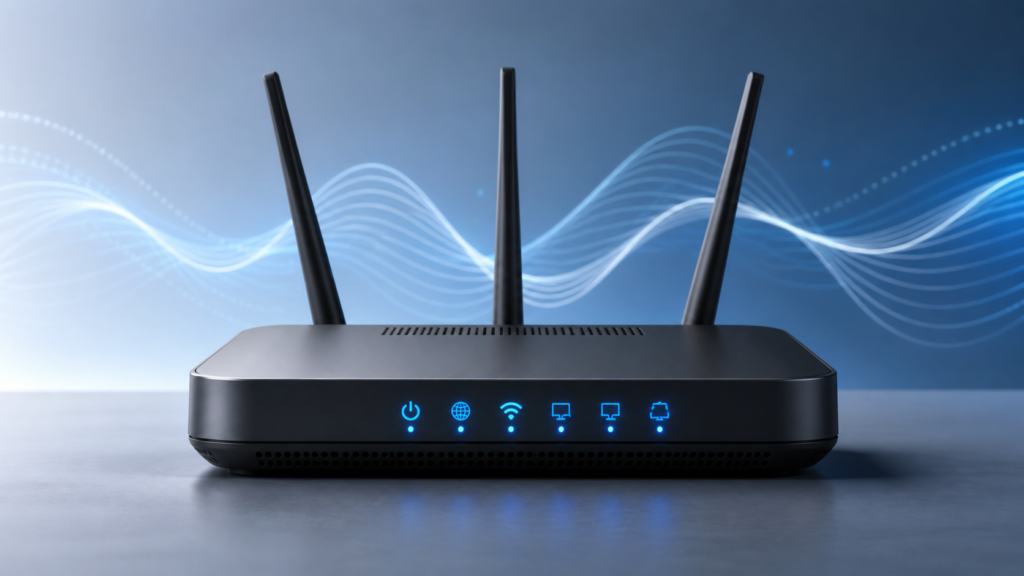
How to Restart a Wi-Fi Router: A Simple Guide
How to Restart a Wi-Fi Router: A Simple Guide
Restarting a Wi-Fi router can help resolve many common connection problems.
How to Restart Your Router
- Turn off the router.
- Wait about 30 seconds.
- Turn the router back on.
- Wait for the connection lights to stabilize.
Pingback: How to Find Saved Wi-Fi Passwords on Windows 11: 3 Ways
Pingback: How to Set Up Smart Home Routines: 7 Easy Steps (2025)